
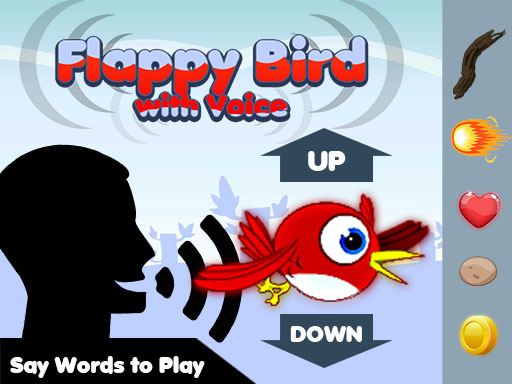
A Familiar Challenge, Rebuilt Around Your Voice
Voice Flight Bird Arcade takes the well-known formula of steering a bird between green pipes and removes the usual touch or keyboard controls. Instead, the microphone becomes the only input. The bird rises or descends based on spoken commands, so your voice replaces the tap or key press that would normally keep it aloft. That single change reshapes the entire experience: timing now depends on when you speak, and consistency depends on how clearly the game recognizes you.
How a Round Actually Plays Out
After granting microphone access, the game begins listening. You speak to push the bird upward or let it drop, then read the gap ahead and adjust. Green pipes scroll in, and each successful pass adds to your score. Contact with a pipe or the ground ends the attempt. Because there is no touch or keyboard fallback, every decision runs through your voice, which makes the loop feel different from a standard arcade runner even though the goal is unchanged.
Why Voice Recognition Changes the Difficulty
The challenge is not only reflexes. Voice recognition depends on clarity and volume, so background noise and inconsistent speech can affect how the bird responds. Players who speak at a moderate, steady level tend to get more predictable results. The game is designed for a wide audience, including children and adults, and contains no violent or inappropriate content, which keeps the focus on vocal control rather than reaction speed alone.
Short Sessions, Repeatable Scores
Each round is quick, so a failed attempt costs little time. That structure encourages repeated tries and makes the game easy to fit into short breaks or casual family play. Improvement comes from two habits: speaking clearly at a consistent volume, and timing commands to the gap rather than the pipe. The simple mechanics suit all ages, and the scoring loop gives a clear reason to try again.
Comments
0 comments