
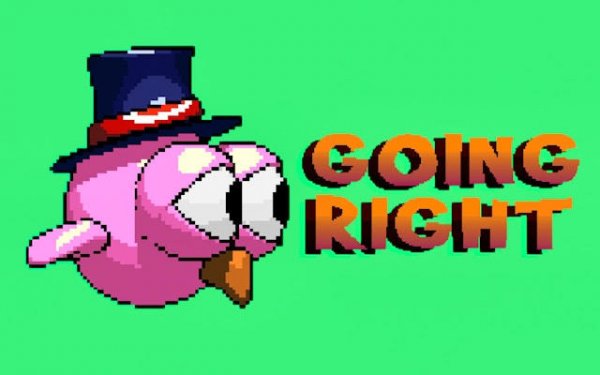
One-Tap Flight Control
Every run in Feather Flight: Pixel Sky Runner starts with a single tap. Pressing the screen makes the bird flap upward; releasing lets it glide downward. That two-state control is the entire input scheme, which keeps the game approachable for newcomers while still demanding precise timing from experienced players. The real challenge is reading the layout ahead and tapping in a rhythm that matches the gap spacing.
Pixel Art and Shifting Skies
The pixel aesthetic gives the game a nostalgic feel that matches its simple controls. Bright gradients shift across the background as the bird moves forward, suggesting changes in time of day and weather. Obstacles use distinct shapes and colors so they remain readable during fast sections. The uncluttered presentation keeps attention on the bird's path and helps the game run smoothly on a wide range of devices.
Coins, Skins, and Light Progression
Coins picked up during a run go into a persistent wallet. That balance can be spent on alternative bird appearances, each changing the color scheme and sometimes the pixel pattern. The system stays simple: collect enough coins, pick a look, and apply it before the next flight. There are no complex upgrade trees or paywalls, so progression feels light rather than grindy.
Difficulty Curve and Replay Value
Obstacle arrangements grow more complex the farther the bird travels. Early sections use wide gaps and slow barriers, giving players room to learn the tap-and-release rhythm. Later areas tighten spacing and introduce moving elements that require faster reactions. Because the layout keeps changing, each attempt plays differently, and the scoring system tracks best distance and coin totals to give repeated runs a clear target. Multiple game modes tweak how coins appear or how obstacles behave, adding variety without complicating the core loop.
Comments
0 comments