
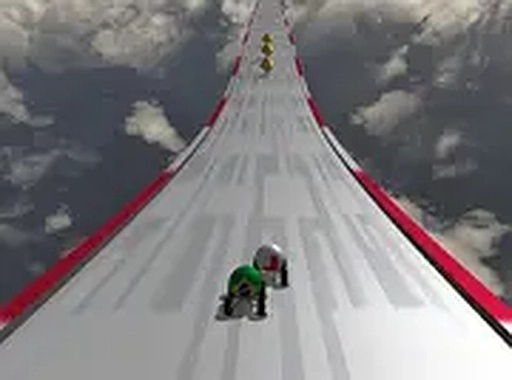
Gravity-Driven Track Design
Tracks in Orb Velocity Track Runner are built around momentum and surface contact. Circular loops require enough speed to keep the sphere attached; ramps launch it into the air, where landing angle and timing determine whether you continue or crash. Moving barriers and narrow sections force path adjustments mid-run. Visual cues hint at upcoming turns, so learning a track is a matter of repetition rather than guesswork.
Binary Controls, Real Depth
Steering uses a mouse or touch screen, while acceleration is a single button: tap or click to speed up, release to slow down. That binary scheme is easy to grasp but leaves little room for error in complex sections. Clearing gaps and holding speed through loops depends on timing inputs correctly. The controls respond immediately on both desktop and mobile browsers, so the same skill set carries across devices.
Learning Through Quick Restarts
Success comes from memorizing each track's rhythm. Quick restarts after a mistake let you test new lines and jump timings without long downtime. The game does not punish errors harshly; instead it encourages trial and error until you find the most efficient route. Over time, runs become smoother and faster as you internalize where to accelerate and when to let off.
Minimal Presentation, Broad Access
The visual style is clean and uncluttered, with bright track elements against a neutral background. A subtle trail behind the sphere helps you judge speed and trajectory. Sound effects signal acceleration, collisions, and lap completion without distracting from play. Because everything runs in a browser with no installation or account, sessions can be as short as a quick break or as long as a dedicated practice run. The difficulty curve starts gently, then introduces more complex loop and obstacle arrangements.
Comments
0 comments