
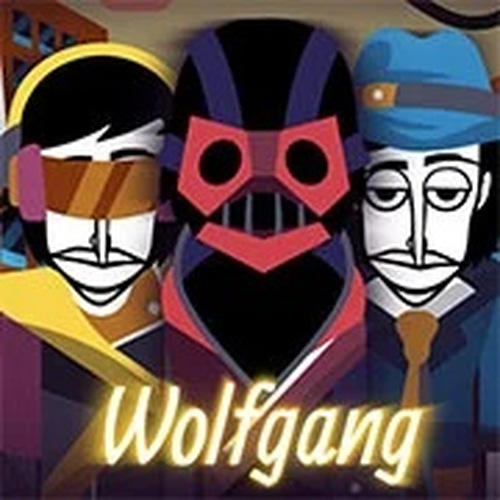
Character Sound Palette
Each character in Melody Mix Lab represents a specific audio element, such as a drum beat, a synth effect, or a melodic voice. By dragging a sound icon onto a character, you activate that layer in your track. The characters are visually distinct, making it easy to remember which sound belongs to whom. You can activate up to seven characters at once, allowing for rich, layered compositions.
Drag-and-Drop Composition
The core interaction involves selecting sound icons from a tray at the bottom of the screen and placing them onto character slots. This intuitive process lets you build your track piece by piece. Removing a sound is just as simple—drag it away or tap to mute. The interface responds instantly, so you can hear changes in real time. There is no scoring or time pressure, encouraging relaxed experimentation.
Audio Layering Techniques
To create depth in your music, start with a steady beat from one character, then add a bass line or rhythm effect. Next, introduce a melodic voice or a percussive accent. The tool supports layering different types of sounds, from rhythmic loops to harmonic pads. You can adjust the mix by swapping sounds in and out. This process helps you learn how different audio elements interact.
Visual Feedback and Atmosphere
The interface uses bright, engaging colors and simple animations that respond to your actions. When you activate a character, it may pulse or glow, giving you visual confirmation of the sound. The overall design is clean and uncluttered, so you can focus on the audio. This visual feedback makes the tool accessible for younger users and those new to music creation.
Sharing and Saving Creations
Once you finish a track, you can save it to your device or share it with friends. The tool stores your recent mixes, allowing you to revisit and tweak them later. This feature encourages iterative creativity—you can build on previous work or start fresh. Sharing your music with others adds a social dimension to the experience.
Ongoing Content Updates
The library of sounds and characters expands periodically, giving you new material to experiment with. Updates may include seasonal themes or new audio styles. This keeps the experience fresh and gives you reasons to return. The tool remains free to use, with no paywalls or locked content.
Comments
0 comments