
Split-Screen Competition for Two
Glow Leap Arcade places two players side by side on a single screen, each with their own half of the display. You control a glowing character and compete to outpace your opponent by jumping through levels filled with obstacles and rewards. The split-screen layout means neither player has to wait for a turn, and both can track their own progress without losing sight of the other's position. It is a local cooperative setup in the sense that both players share the same device, though the core mode is competitive.
Jumping, Orbs, and Timing
Each player uses one key: the left player presses A to jump, and the right player presses L. That single input drives everything. You must time jumps to clear obstacles and land on platforms, while also grabbing glowing orbs scattered across the level. Orbs directly increase your score, so there is a constant tension between playing safe and taking risks to collect them. The split-screen view keeps both players' characters visible at all times, which helps you anticipate what your opponent is doing.
Rising Speed and Short Rounds
As a round progresses, the game speed increases, so the same jump that worked early on becomes tighter later. This shift tests reflexes and coordination rather than memorization. Rounds are designed to be short, fitting the 5 Minute tag, which makes the game easy to pick up for a quick match. The first player to reach the finish line or achieve the highest score wins the round. Because the controls are so simple, new players can join immediately, but the speed ramp gives experienced players something to chase.
Visual Style and Accessibility
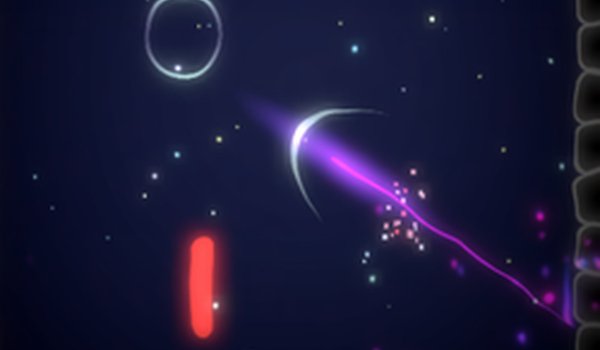
The glowing, abstract visuals are easy on the eyes and keep the action readable even when the screen is busy. Bright colors distinguish the two characters and the collectible orbs, so you always know what to aim for. The game is suitable for family game nights or friendly competitions, and the one-key control scheme means players of almost any age can participate. There is no complex setup or menu navigation required to start a match.
Comments
0 comments