Fun Block Puzzle Game Online
Reviews
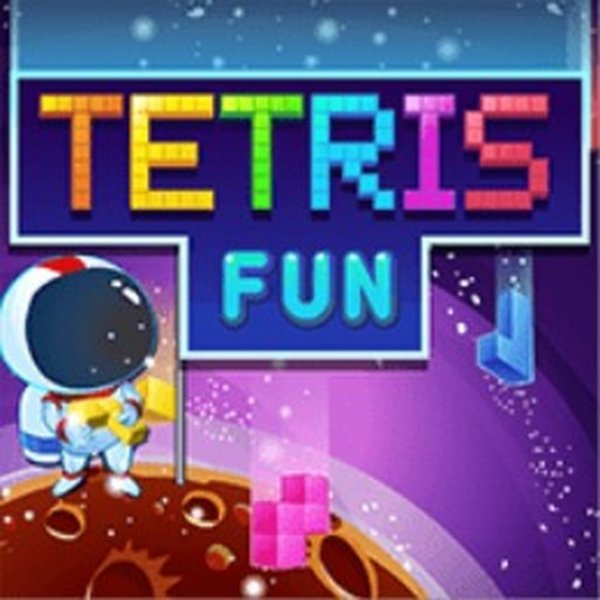
Tetris Fun Online Puzzle Game offers a polished version of the classic block puzzle. Controls are responsive, and the next piece preview helps with planning. The increasing speed keeps the challenge fresh, making it suitable for quick sessions or longer play. It is a reliable brain teaser that improves spatial reasoning and reaction time.
About This Game
Game Introduction
Tetris Fun Online Puzzle Game - Block Puzzle Game brings the classic block-stacking challenge to your browser. The playing field is a vertical rectangle made of many cells. Colorful pieces descend from the top, and you must place them at the bottom to create solid horizontal lines. If there is even a small gap between pieces, they cannot be removed, so careful planning is key. The game displays the next piece in the top right corner, and your current score, level, and goal on the left. This family-friendly game is suitable for ages 3 and up, offering endless fun and brain-teasing action.
How to Play
Use the arrows below the next piece preview to change the direction of the falling block. Rotate and position each piece to fit perfectly with others at the bottom. The goal is to complete full horizontal lines, which then disappear and earn you points. As you progress, the level increases, and the challenge becomes faster. Think ahead to avoid creating spaces that trap pieces. The game works smoothly on all modern browsers, including PC, mobile phones, and tablets, with full-screen support for an immersive experience.
Game Features
Classic puzzle gameplay with simple controls. HTML5 technology for cross-platform play. Next piece preview helps with planning. Score, level, and goal tracking keep you motivated. Full-screen support for an immersive experience. Works on PC, mobile phones, and tablets.
Tips for Success
Focus on building flat surfaces to make it easier to place pieces. Keep an eye on the next piece preview to plan ahead. Try to clear lines quickly to avoid the stack reaching the top. Practice regularly to improve your speed and pattern recognition. Stay calm as the speed increases, and don't rush your placements.
✅ Compatibility & Testing
System Requirements